Update & Sync GitHub Repositories in the morning

I have many habits during the day and the week, to reduce the workload and be more productive.
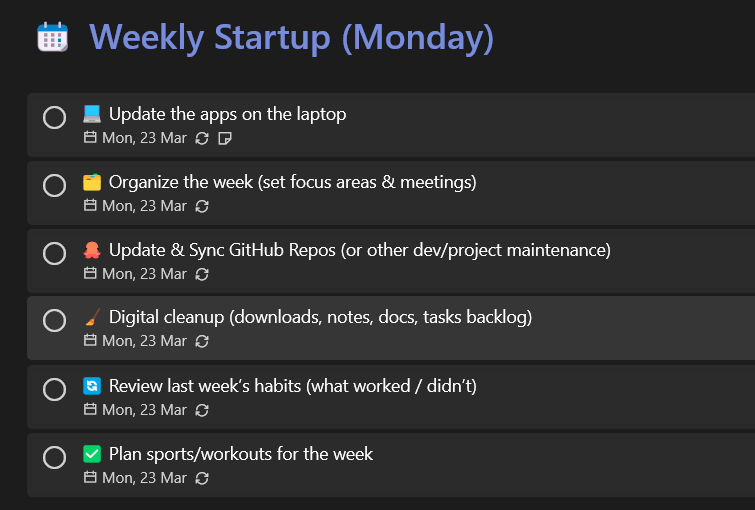
As you can see below, I use Microsoft To-Do to remind me of what I need to do each morning or at the beginning of the week, and one of the tasks is to update my local GitHub repositories.
I have many of those, and of course, it's not possible to do it manually.
This is the reason why I have created a PowerShell script that works for me.
You can copy my code and put the script in the main folder of your GitHub repositories and launch it from the command line.
It takes more or less 3-5 minutes (but it depends on how many repositories you have locally).
{% embed https://gist.github.com/kasuken/e128dc563005d13a5065d1d98162eef6 %}
You can call the script by adding at the end of the file something like:
Sync-GitHubWorkspace -CleanBinObj
Check the other parameters in the function and change them based on your requirements.
In the video below, you can see the script running on my machine.

Feel free to share your feedback or make some changes to the script.
Originally published on Dev.to
Read the original post